
Insider
USA
Canada
Watch a guided walkthrough of the new layout, workflows, and time-saving tools in action, then scroll below for feature summaries, screenshots, and quick how-tos. Start the recording now and get up to speed in minutes.
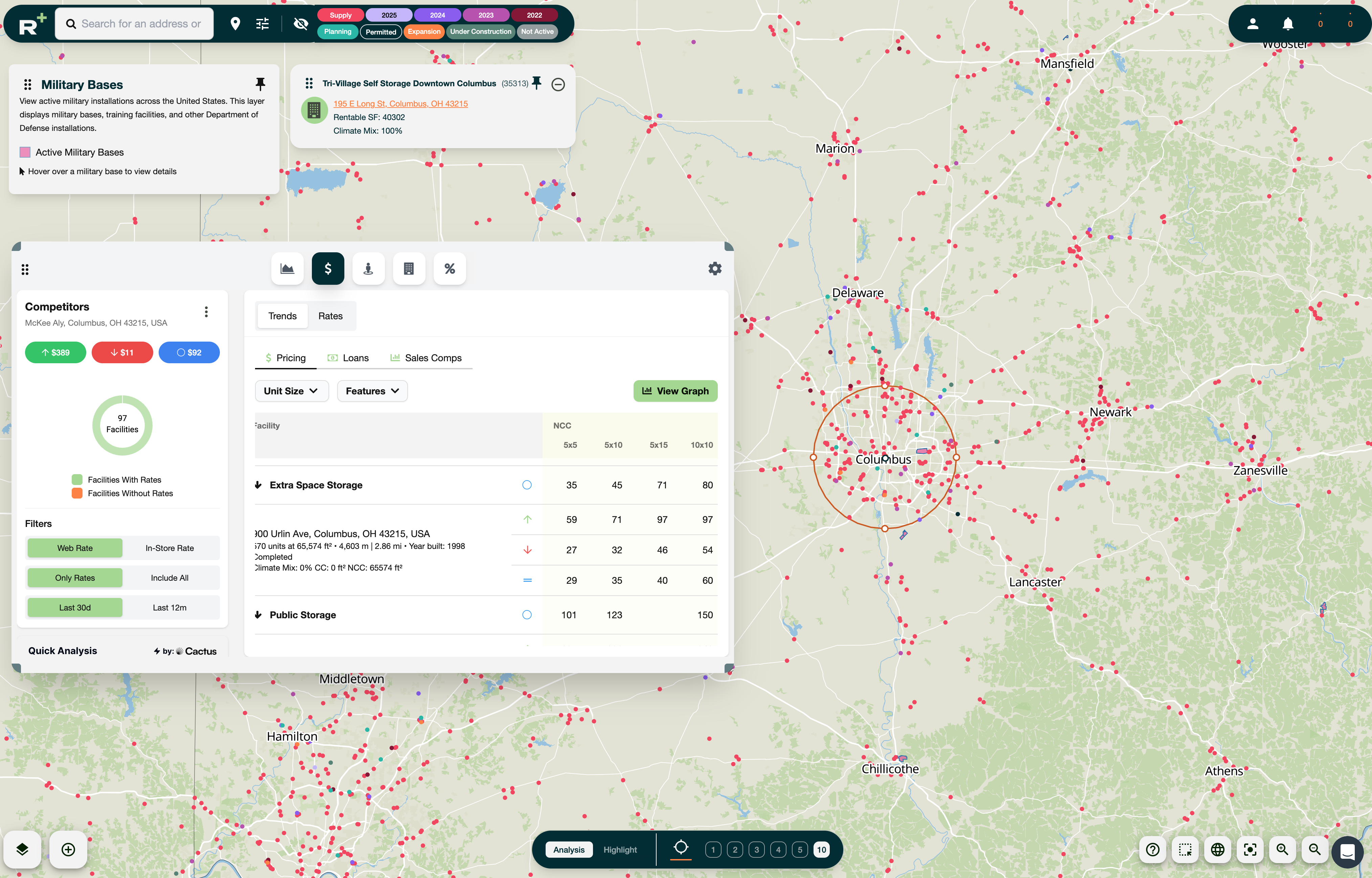
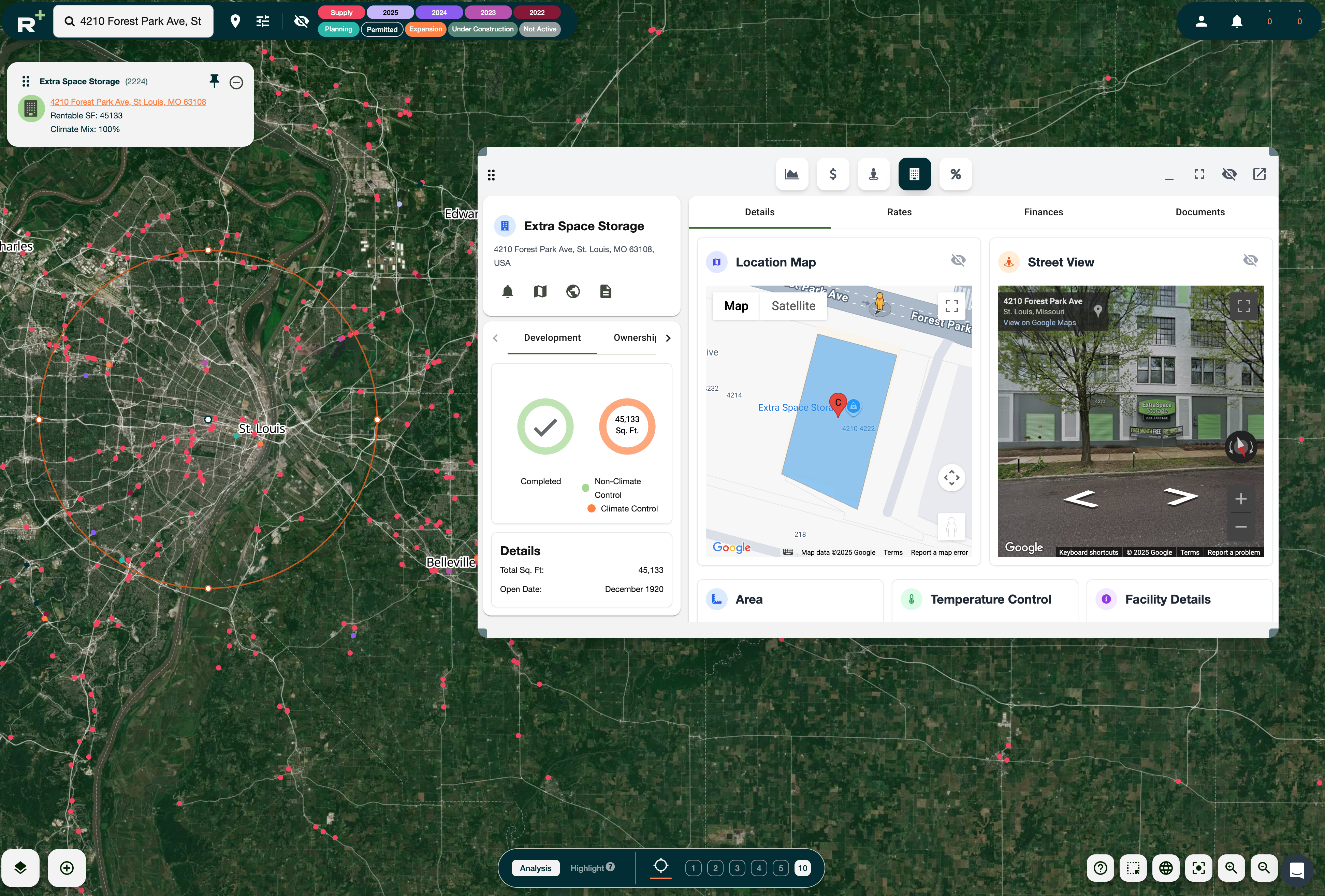
Radius+ 6.0 introduces our most significant user interface rework yet. The clean, modern design makes navigation effortless and enhances productivity across every feature.

Modernized design patterns with improved UX.

New layouts, navigation, and organization management.

Optimized for desktop environments, including 1080p displays.

Consistent button styles, intuitive color logic, and streamlined navigation.
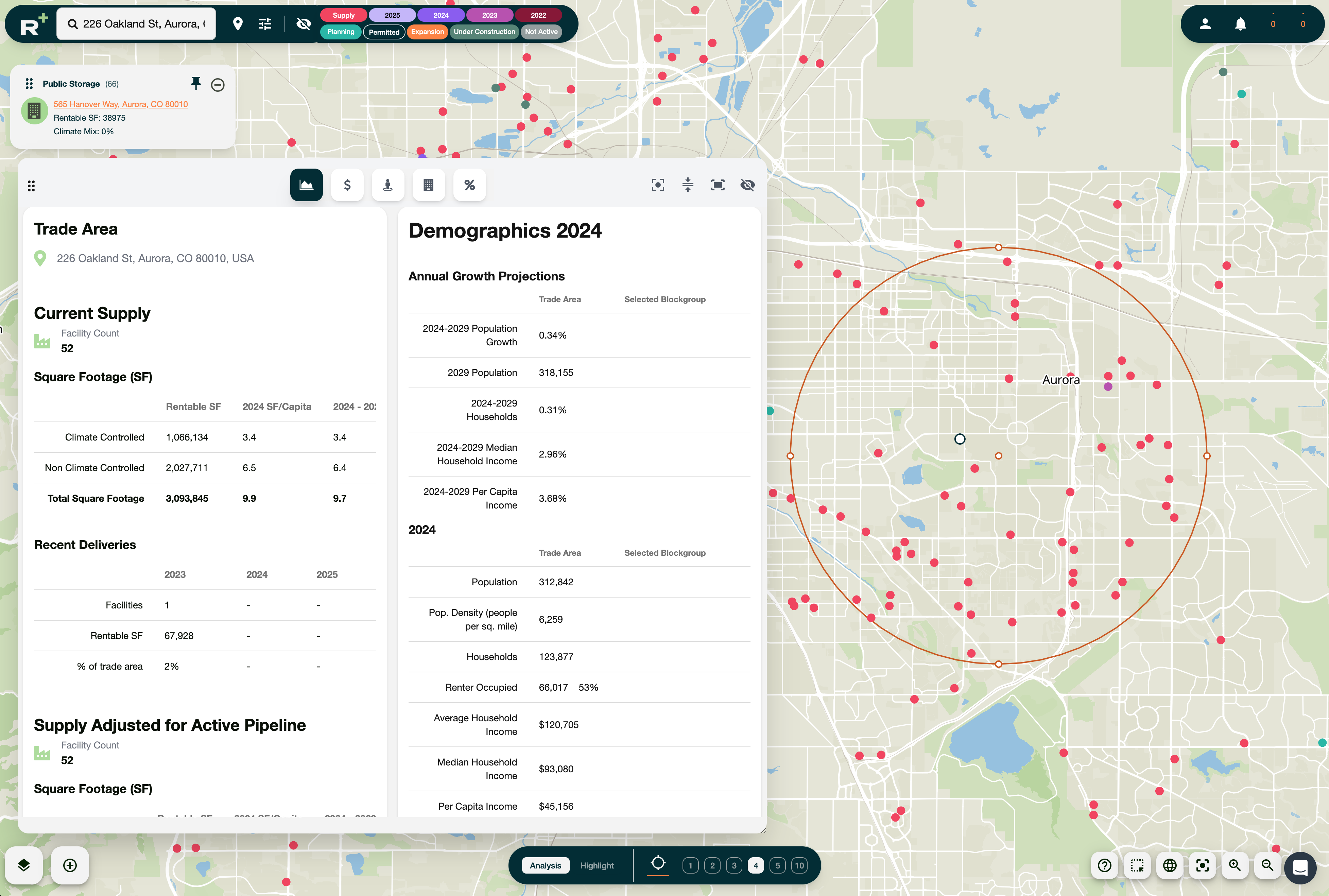
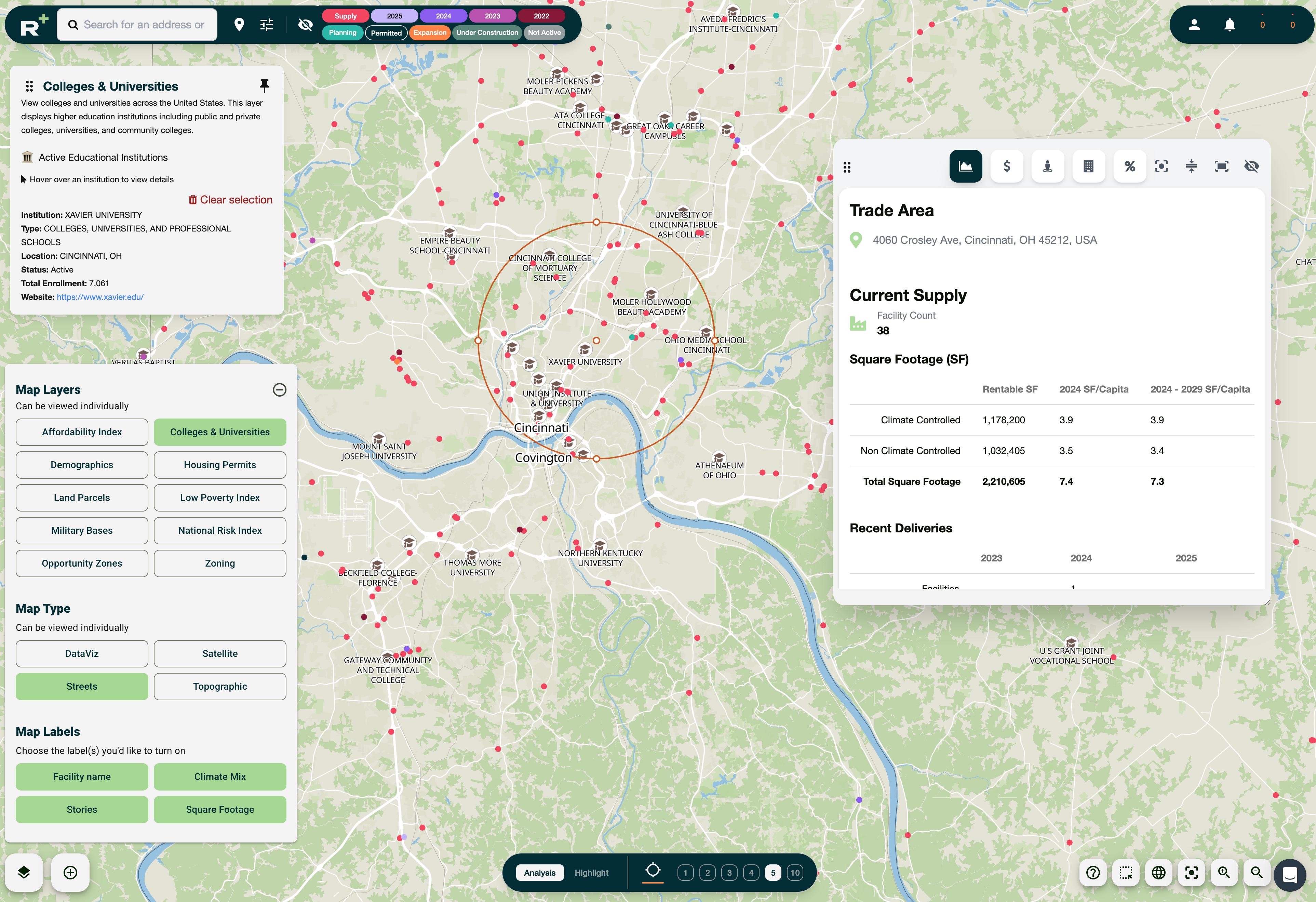
With Radius+ 6.0, the map isn’t just part of the platform, it is the platform. Every function, every layer, every control can now be managed directly from the map view.

Military Bases, U.S. Colleges & Universities.

Pin layers, reposition manually, and prevent collisions.

Auto-enable visibility controls, drag elements within map boundaries.
Behind the scenes, dozens of fixes and refinements mean smoother performance and fewer interruptions. From faster facility loading to corrected data cards and filters, Radius+ 6.0 is designed to save you time and keep you focused on decision-making.
We’ve created a dedicated library of how-to videos to walk you through every improvement, so you can start using Radius+ 6.0 to its full potential today.
Learn More Book a demo